Design systems, extracted.
Paste any URL to create a design system from it. Open any style for colors, type, spacing, components, and a DESIGN.md or tokens.json your agent can use.
Quickly navigate through the dashboard with your keyboard using the command menu.
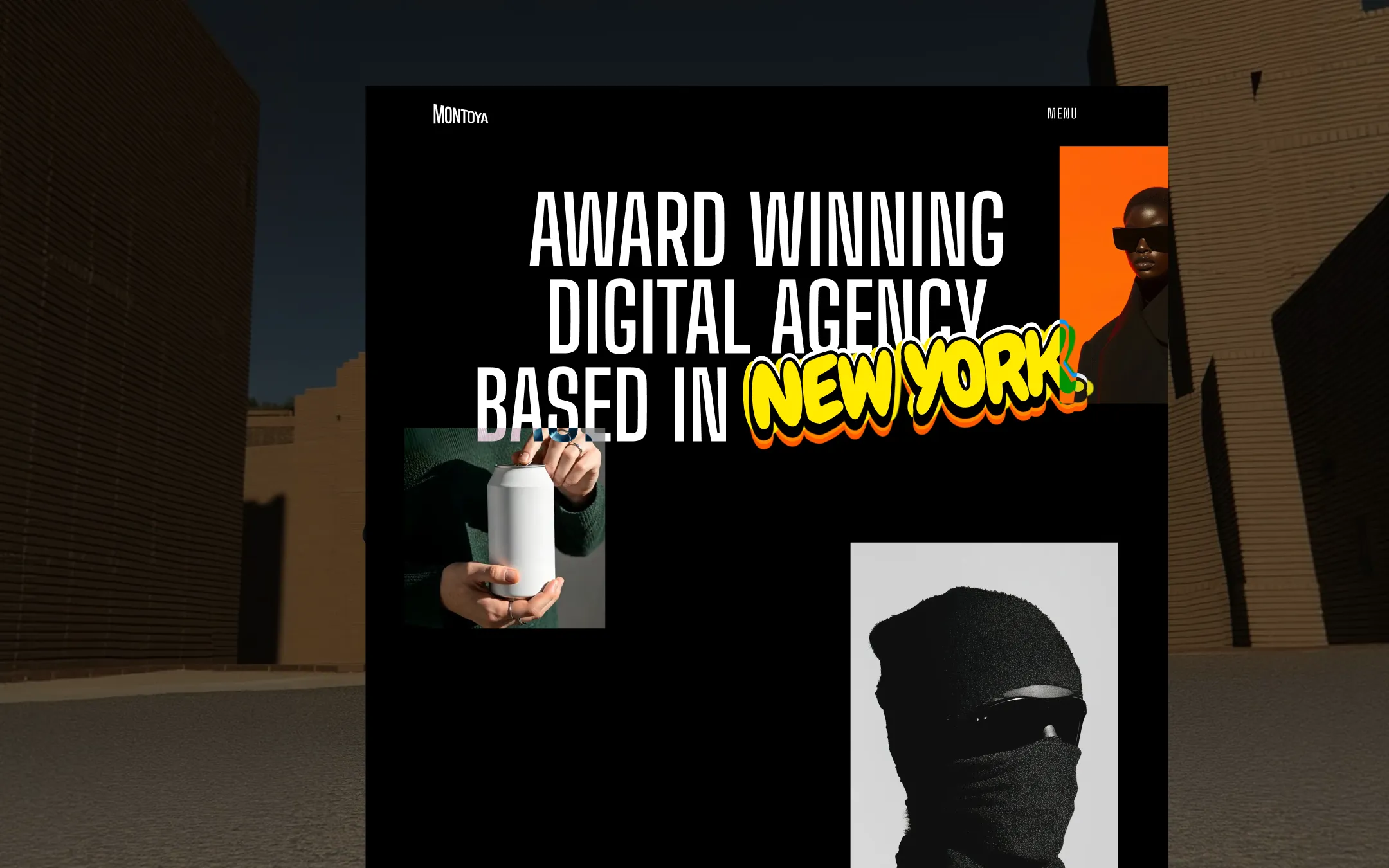
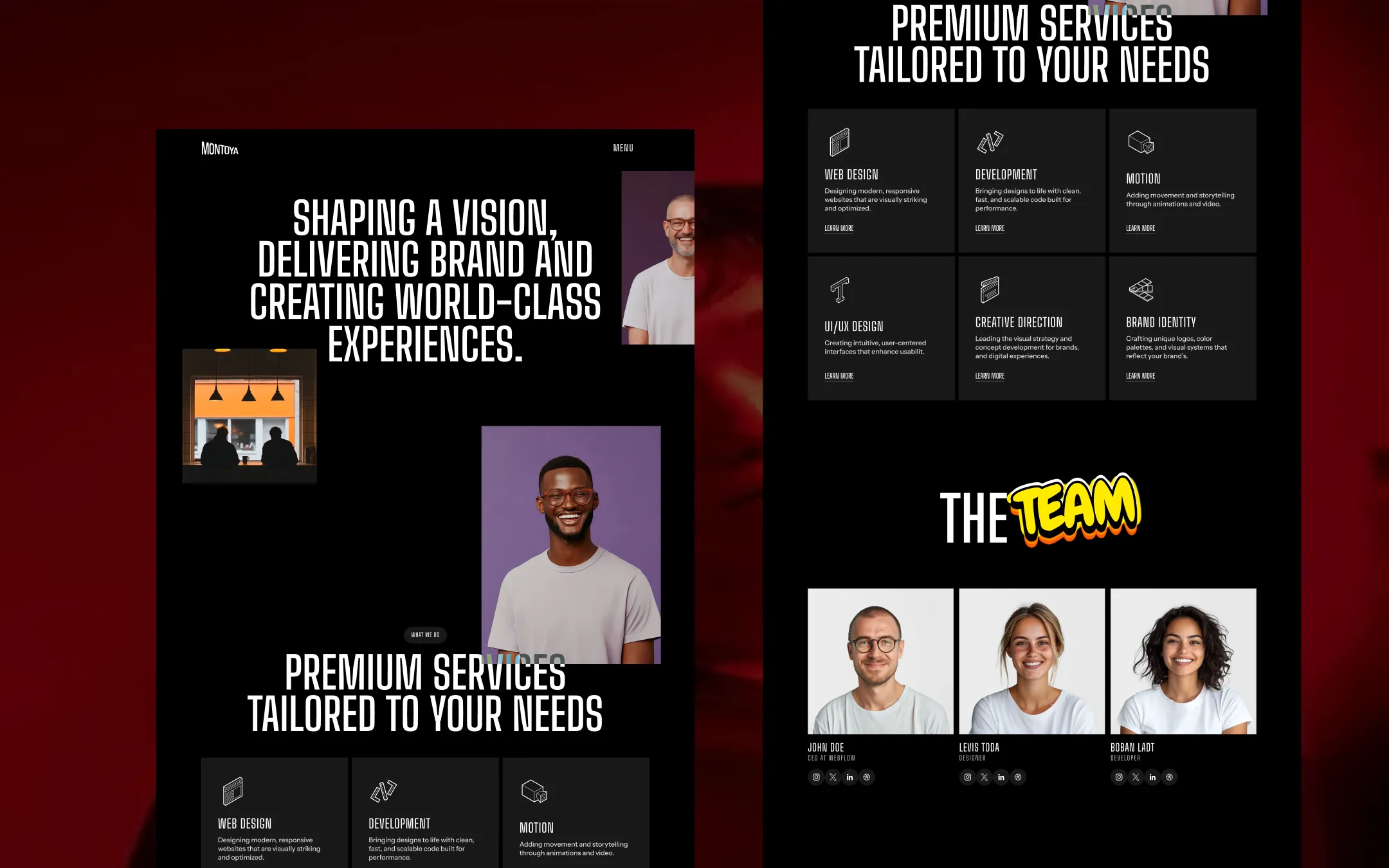
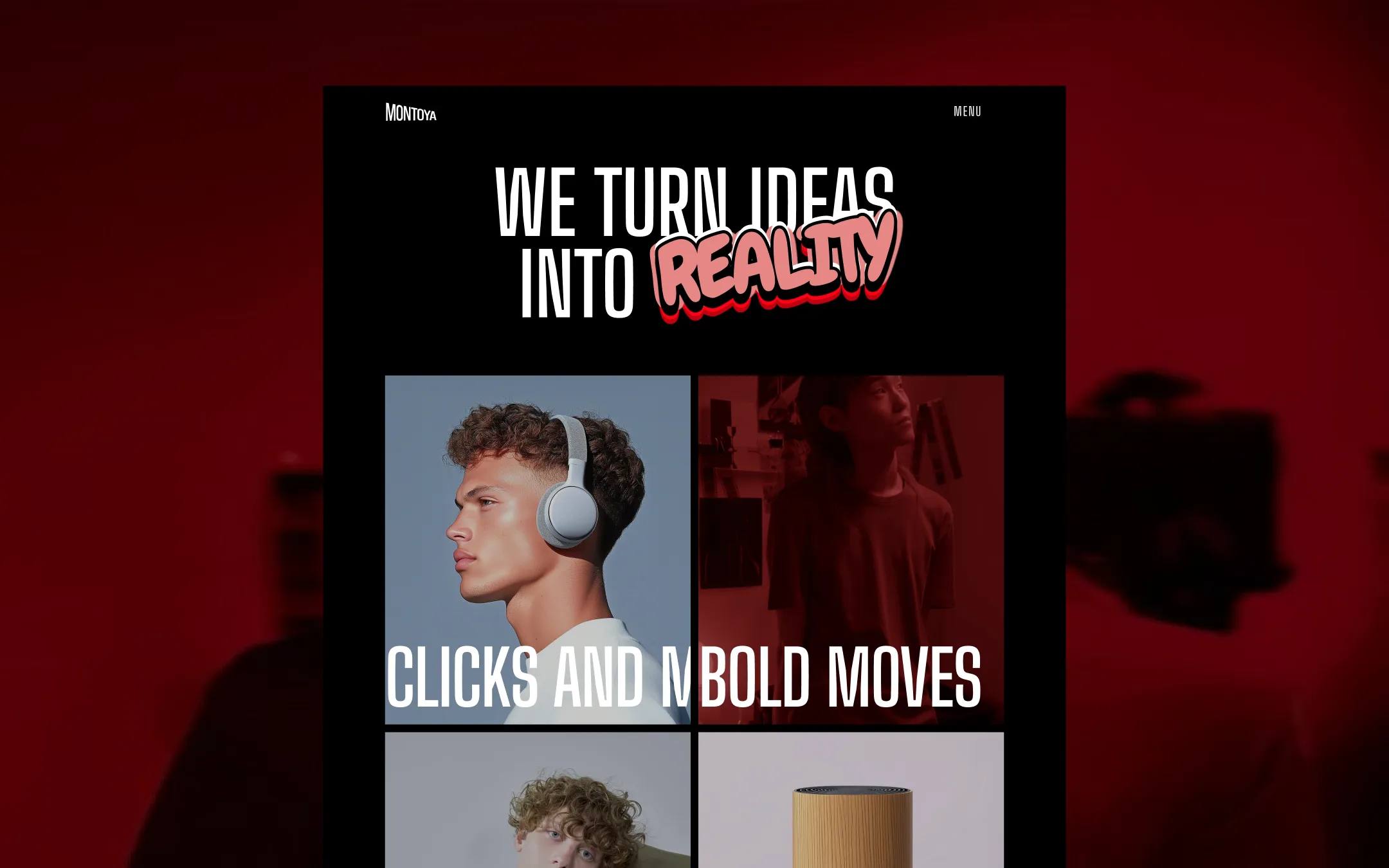
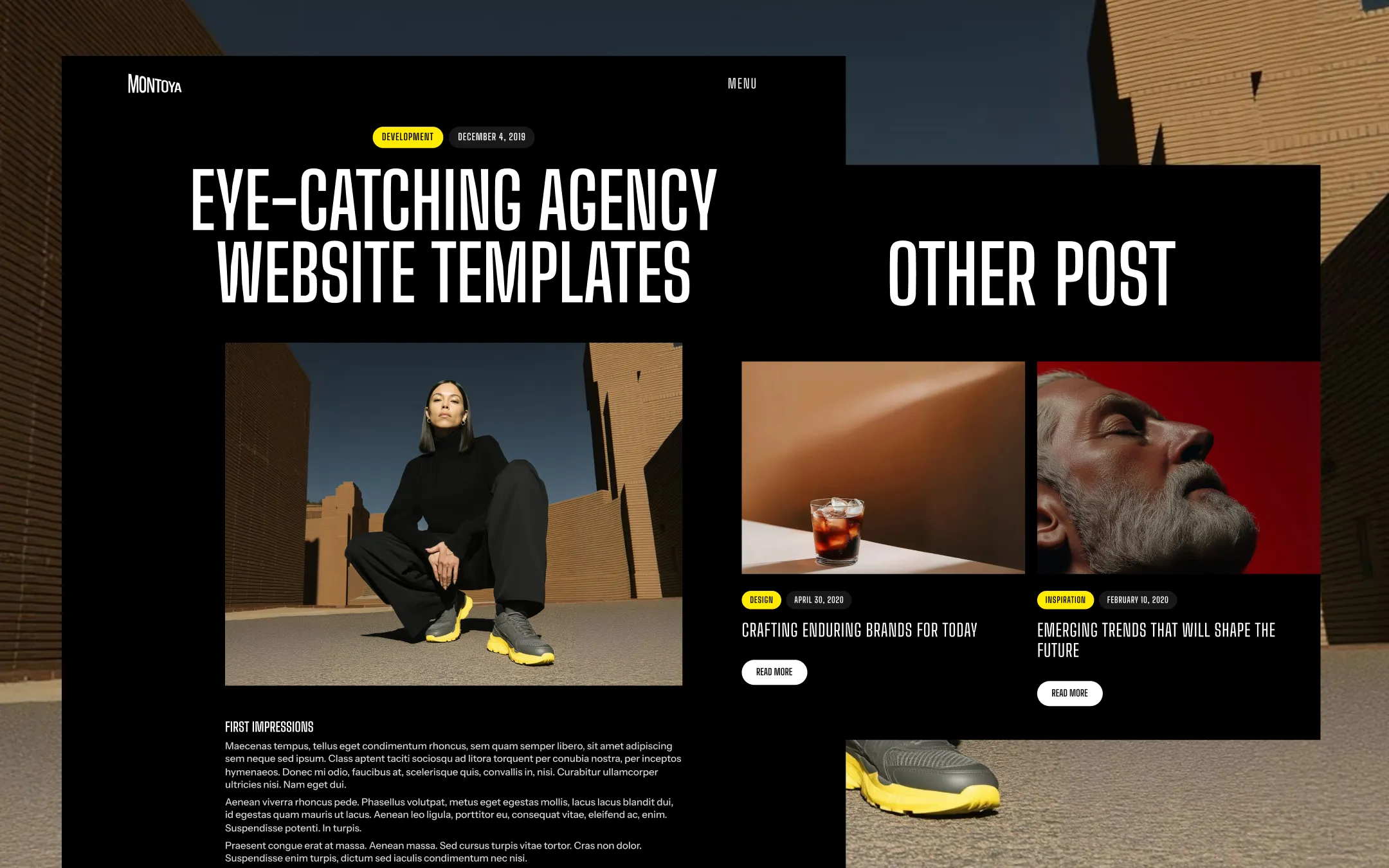
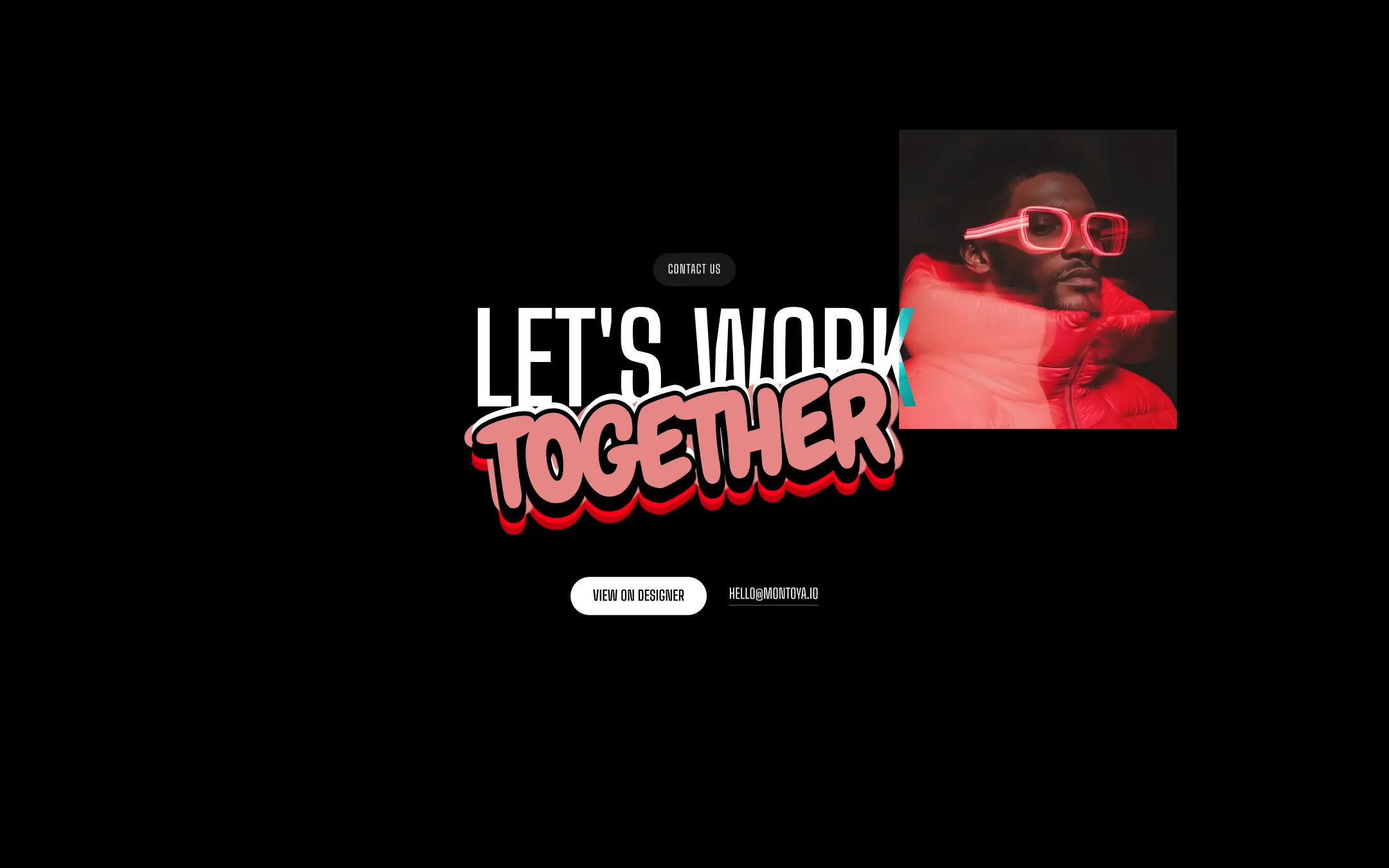
Montoya is an uncompromisingly black canvas interrupted by jolts of electric color — a hand-lettered yellow comic accent, hot orange and tomato project panels, and stark black-and-white portraiture shot like a fashion editorial rather than a case-study slide. Oversized condensed type, stretched from 100px navigation links to a sticky 330px hero headline, does the shouting, while a quieter Instrument Sans handles labels, forms, and body copy so the system never loses legibility under its own bravado. Every button is a stark white pill, every card is flat black-on-charcoal with hard square corners, and every accent color is used in isolation — never blended — so the palette reads as confident punctuation rather than noise.
Primary canvas & ink. Base page background and primary text/button fill across nearly every section.
Lifted surface. Service cards, pricing boxes, pill badges, and cart container backgrounds.
Primary text & button fill. Headlines, navigation, body copy, and solid CTA buttons on black.
Secondary text. Muted captions, figma-text opacity labels, and de-emphasized UI copy.
Muted secondary accent. Reserved for subtle hover tints and rare decorative borders.
Signature comic accent. Hand-lettered highlight words in headlines and bright category pill tags.
Secondary comic accent. Drop-shadow outlines on lettered badges and alternate highlight treatments.
Editorial photo accent. Full-bleed color panels behind portrait imagery in the hero and portfolio grid.
Destructive action. Cart remove-item button and error-state indicators.
The quick brown fox jumps
Body copy, form fields, labels, and small UI text where legibility matters more than spectacle.
The quick brown fox jumps
Oversized display headlines, navigation links, and section titles — the brand's loudest voice.
spacious1200px120px40px30px10px20px30px40px50px60px80px100px120px150px200pxcards2pxpills20pxfields30pxbuttons100pxcircular9999pxStep from canvas (level 1) to lifted (level 2) to inset depth (level 3), then invert into the dark levels for full-bleed sections. Hex codes and roles live in the Colors section above; this ladder shows the layering only.
# Design System Guide

> Unlock the template to access the full design system.

## Brand voice

A short paragraph describing the brand voice, mood, and visual
principles that anchor the system. Tone, cadence, and intent.

## Colors

| Token        | Hex      | Role                                  |
| ------------ | -------- | ------------------------------------- |
| canvas-1     | #xxxxxx  | Page background, large surfaces       |
| canvas-2     | #xxxxxx  | Lifted surfaces, cards                |
| canvas-3     | #xxxxxx  | Inset wells, depressed states         |
| ink-1        | #xxxxxx  | Primary body text                     |
| ink-2        | #xxxxxx  | Secondary text, labels                |
| ink-3        | #xxxxxx  | Tertiary text, hints                  |
| accent-1     | #xxxxxx  | Primary brand accent                  |
| accent-2     | #xxxxxx  | Secondary accent                      |
| state-ok     | #xxxxxx  | Success, confirmations                |
| state-warn   | #xxxxxx  | Warnings                              |
| state-err    | #xxxxxx  | Errors, destructive actions           |

## Typography

- **Display** — heading scale, used for hero text and section titles.
- **Body** — primary reading text, optimized for paragraphs.
- **Mono** — code, data, and tabular numerals.

```
display: 32px / 40px / 48px / 64px / 80px
body:    14px / 16px / 18px
mono:    12px / 14px
```

## Spacing & shape

Base unit: 4px. Scale: 4, 8, 12, 16, 24, 32, 48, 64, 96, 128.
Radii: sm (4px), md (8px), lg (12px), xl (20px), full (9999px).

## Surfaces

Layered elevation from canvas → lifted → inset. Surfaces invert in
dark sections for full-bleed contrast.

## Do's and don'ts

- Do use accent-1 sparingly for primary CTAs only.
- Do maintain at least 4.5:1 contrast on body text.
- Don't mix display and body in the same line.
- Don't use state colors for branding.

## Agent prompt guide

Prompts for AI design tools that respect this system.
Includes example prompts for sections, components, and layouts.

# ...
Unlock the full style guide