Design systems, extracted.
Paste any URL to create a design system from it. Open any style for colors, type, spacing, components, and a DESIGN.md or tokens.json your agent can use.
Quickly navigate through the dashboard with your keyboard using the command menu.
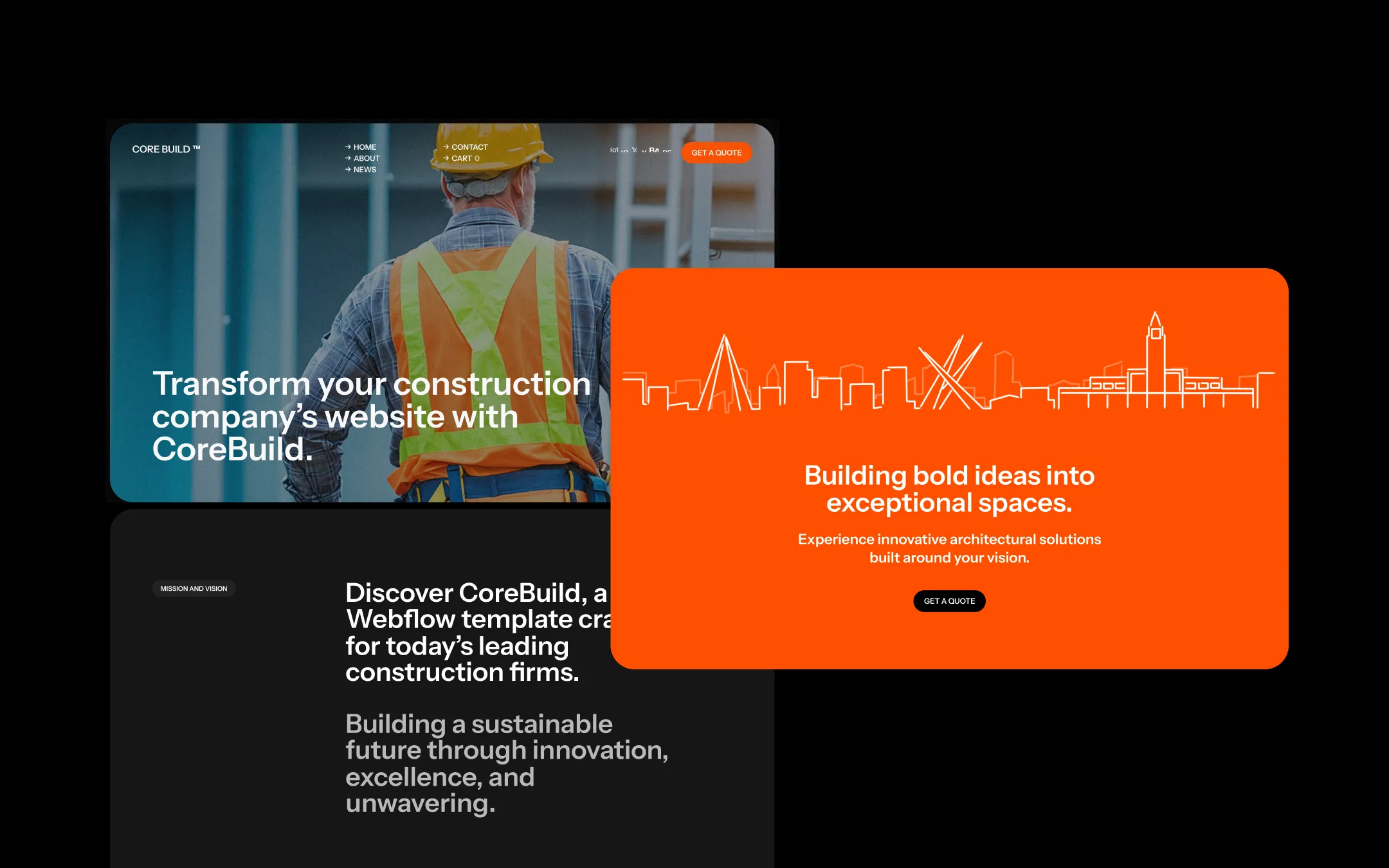
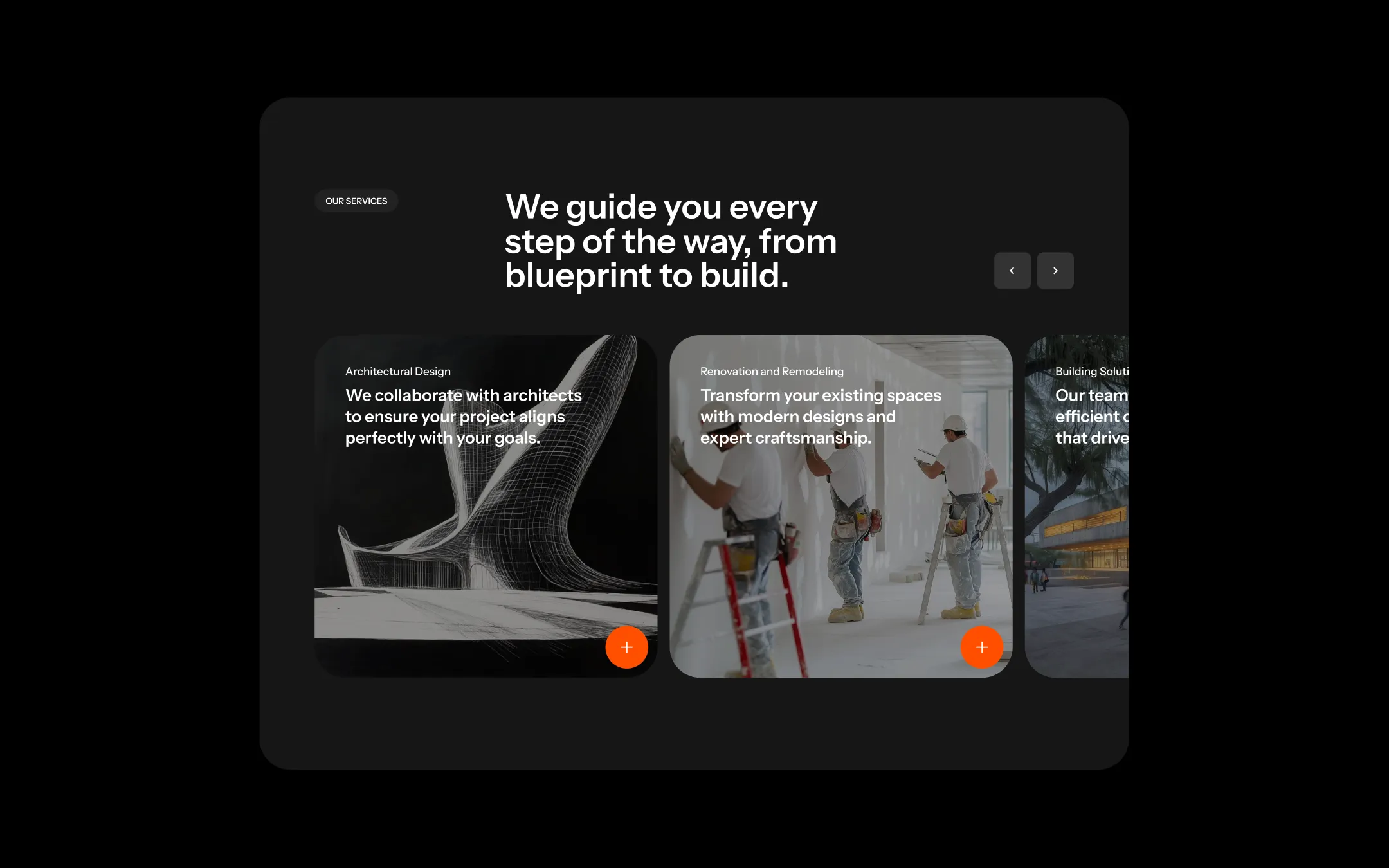
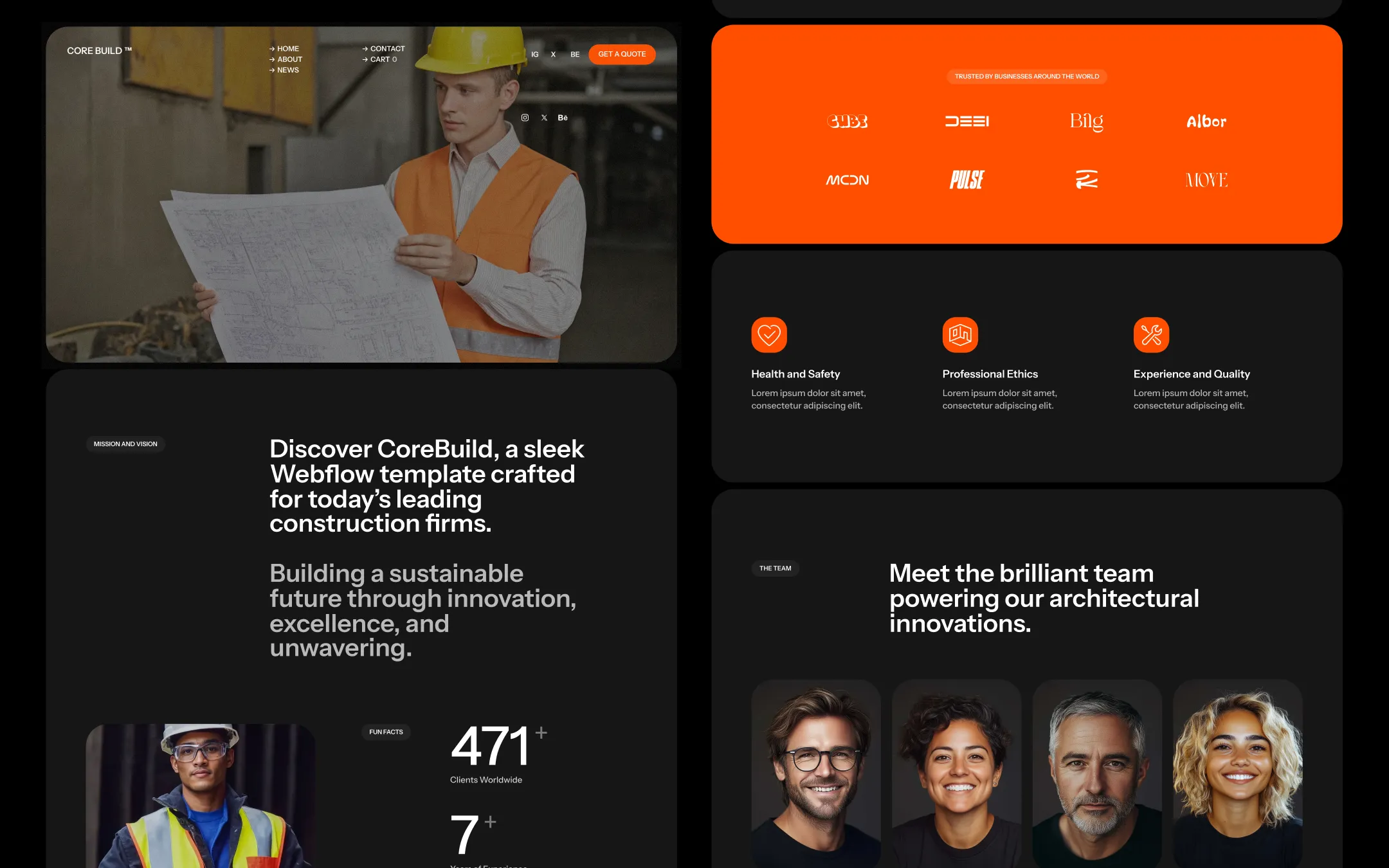
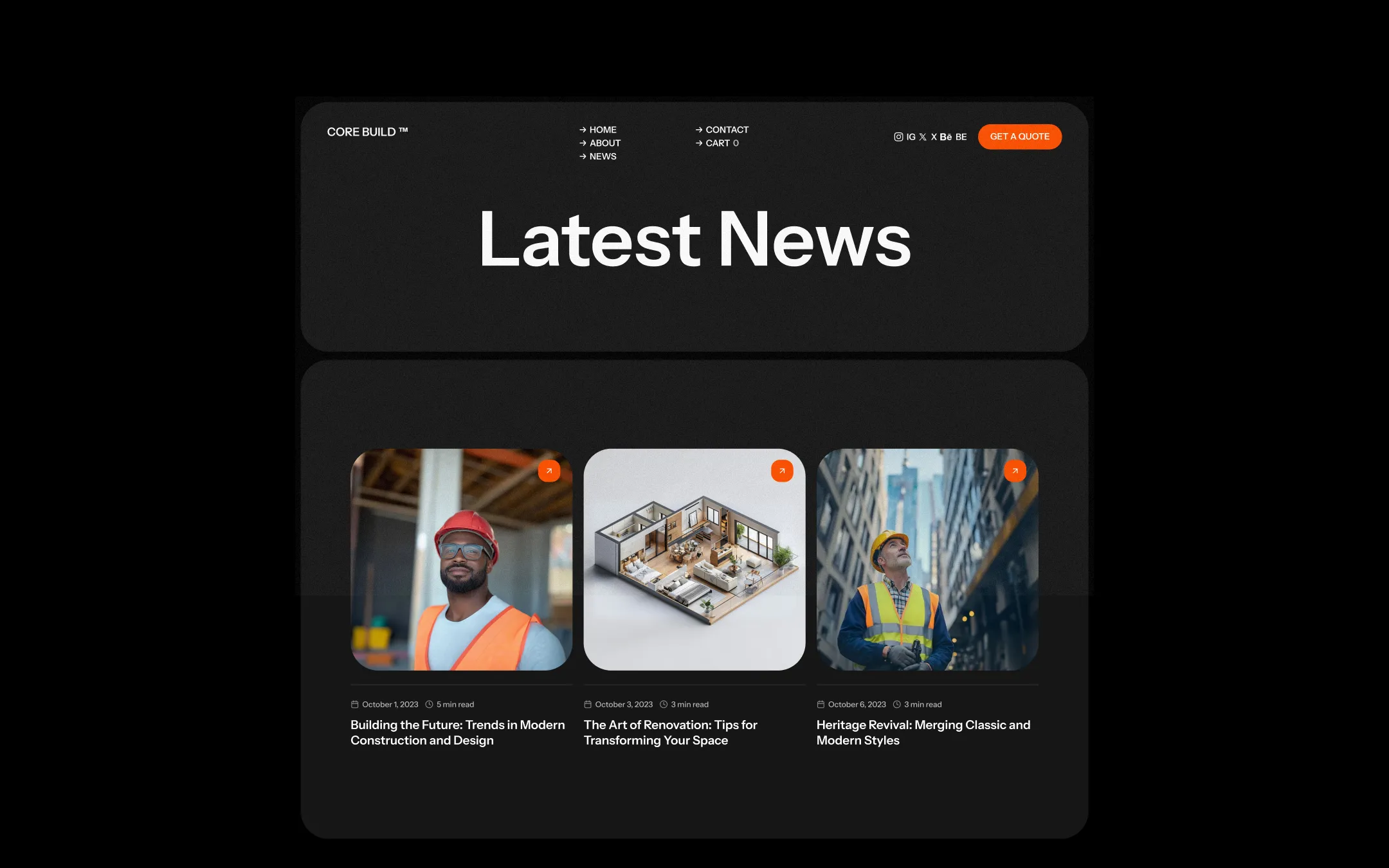
CoreBuild runs on a deep black foundation punched through with safety-vest orange — a visual language lifted straight from the job site. Every section sits inside heavily rounded, pill-edged containers that soften the industrial subject matter, while bold uppercase labels and chunky sans-serif headlines keep the tone direct and confident. This is a template built for firms who pour concrete and steel but want their website to feel as considered as their architecture: dark, serious, and punctuated with high-energy orange that signals action at every turn. Photography leans into real construction sites — hard hats, blueprints, drywall, scaffolding — desaturated and overlaid with dark gradients so white and orange type always stays legible. The orange is never decorative wallpaper; it is reserved for CTAs, icon chips, and the single dramatic skyline-illustration section that gives the brand its most memorable beat. Generous corner radii, large padding, and a near-black canvas throughout make the whole experience feel like a single continuous, deeply rounded card system floating on true black.
Secondary surface & hover state. Button hover fills and small pill labels.
Page canvas. Base background behind every rounded section panel.
Hairline dividers. Subtle separators on light-adjacent form elements.
Lifted surface. Fills section panels, cards, and footer blocks above the black canvas.
Secondary body text. Softens long-form copy against the near-black backgrounds.
Primary text & headline ink. Used for all large type on dark surfaces.
Primary accent & CTA fill. Buttons, icon chips, skyline hero panel, subscribe accents.
Warning utility. Reserved for status and alert iconography, not decorative use.
The quick brown fox jumps
Primary typeface for all headlines, UI, body copy, and navigation.
spacious1240px15px45px24px5px10px15px20px30px45px50px80px100px150pxcards50pxpills50pxsmall20pxbuttons30pxsections50pxicon-chips16pxStep from canvas (level 1) to lifted (level 2) to inset depth (level 3), then invert into the dark levels for full-bleed sections. Hex codes and roles live in the Colors section above; this ladder shows the layering only.
# Design System Guide

> Unlock the template to access the full design system.

## Brand voice

A short paragraph describing the brand voice, mood, and visual
principles that anchor the system. Tone, cadence, and intent.

## Colors

| Token        | Hex      | Role                                  |
| ------------ | -------- | ------------------------------------- |
| canvas-1     | #xxxxxx  | Page background, large surfaces       |
| canvas-2     | #xxxxxx  | Lifted surfaces, cards                |
| canvas-3     | #xxxxxx  | Inset wells, depressed states         |
| ink-1        | #xxxxxx  | Primary body text                     |
| ink-2        | #xxxxxx  | Secondary text, labels                |
| ink-3        | #xxxxxx  | Tertiary text, hints                  |
| accent-1     | #xxxxxx  | Primary brand accent                  |
| accent-2     | #xxxxxx  | Secondary accent                      |
| state-ok     | #xxxxxx  | Success, confirmations                |
| state-warn   | #xxxxxx  | Warnings                              |
| state-err    | #xxxxxx  | Errors, destructive actions           |

## Typography

- **Display** — heading scale, used for hero text and section titles.
- **Body** — primary reading text, optimized for paragraphs.
- **Mono** — code, data, and tabular numerals.

```
display: 32px / 40px / 48px / 64px / 80px
body:    14px / 16px / 18px
mono:    12px / 14px
```

## Spacing & shape

Base unit: 4px. Scale: 4, 8, 12, 16, 24, 32, 48, 64, 96, 128.
Radii: sm (4px), md (8px), lg (12px), xl (20px), full (9999px).

## Surfaces

Layered elevation from canvas → lifted → inset. Surfaces invert in
dark sections for full-bleed contrast.

## Do's and don'ts

- Do use accent-1 sparingly for primary CTAs only.
- Do maintain at least 4.5:1 contrast on body text.
- Don't mix display and body in the same line.
- Don't use state colors for branding.

## Agent prompt guide

Prompts for AI design tools that respect this system.
Includes example prompts for sections, components, and layouts.

# ...
Unlock the full style guide